About this product
🚀 NOVA AI – Android Video Clipper & Editor
**CREATE MORE. EDIT FASTER. CLIP SMARTER.**
Meet NOVA AI, your AI-powered mobile video clipping and editing tool, designed for creators, YouTubers, streamers, and social media editors.
Turn long videos into short-form content directly from your Android smartphone.
## 🔥 NOVA AI FEATURES
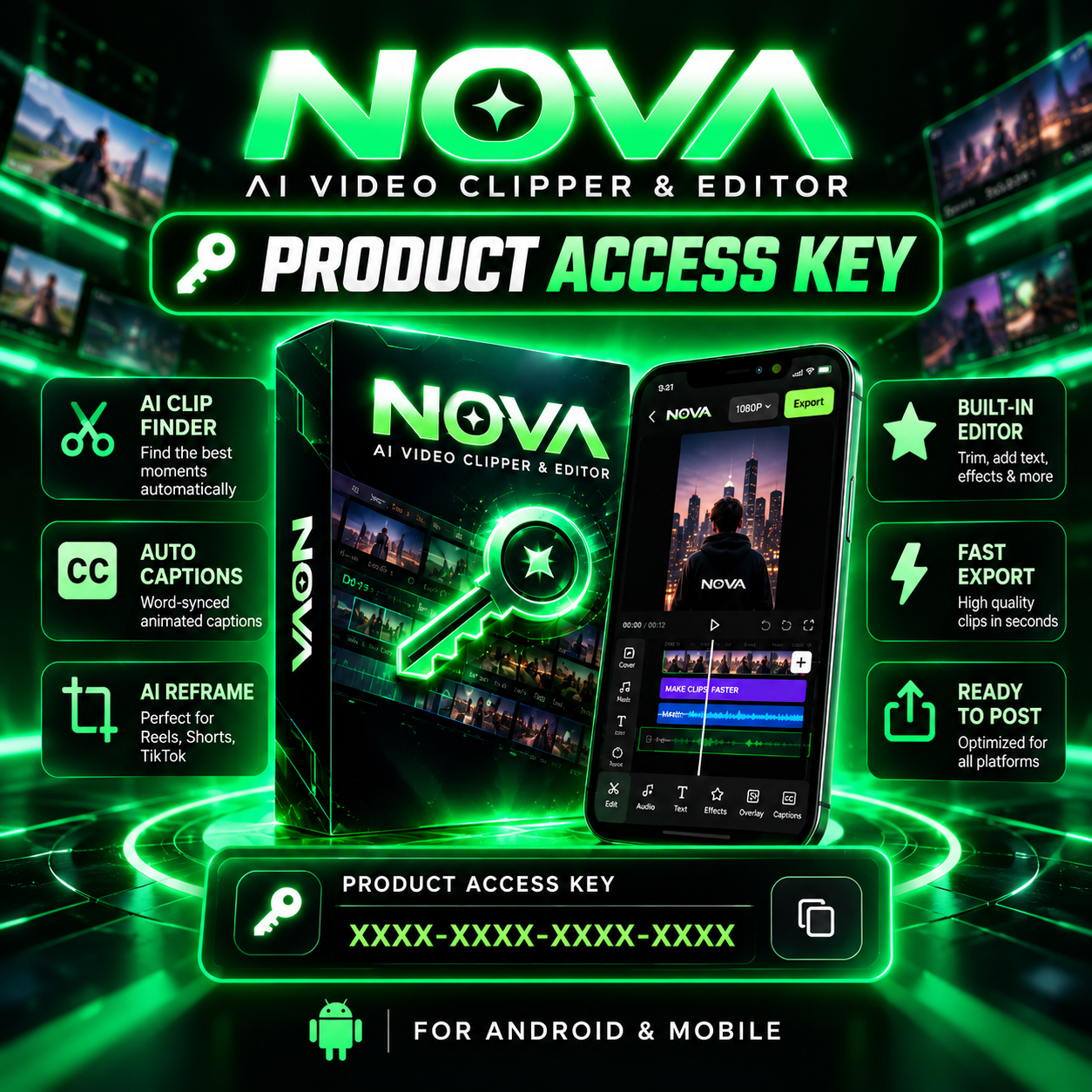
### 🎯 AI Auto Clipping
Find interesting moments in longer videos with AI assistance. Save time selecting moments and turn them into short clips.
### 💬 Automatic AI Captions
- Automatic speech transcription
- Word-synchronized captions
- Animated caption styles
- Custom fonts, colors, and positioning
- Captions designed for short-form videos
### 🎬 Professional Mobile Video Editor
- Trim and split videos
- Multi-track editing timeline
- Add text and overlays
- Add music and audio
- Adjust aspect ratios
- Preview and edit your clips
### 📱 AI Smart Reframe
Convert landscape videos into vertical clips using AI-assisted reframing, with manual adjustments when needed.
### ⚡ Video Export
Create videos for:
- Instagram Reels
- YouTube Shorts
- TikTok
- Facebook Reels
Export quality and available resolutions depend on device capabilities.
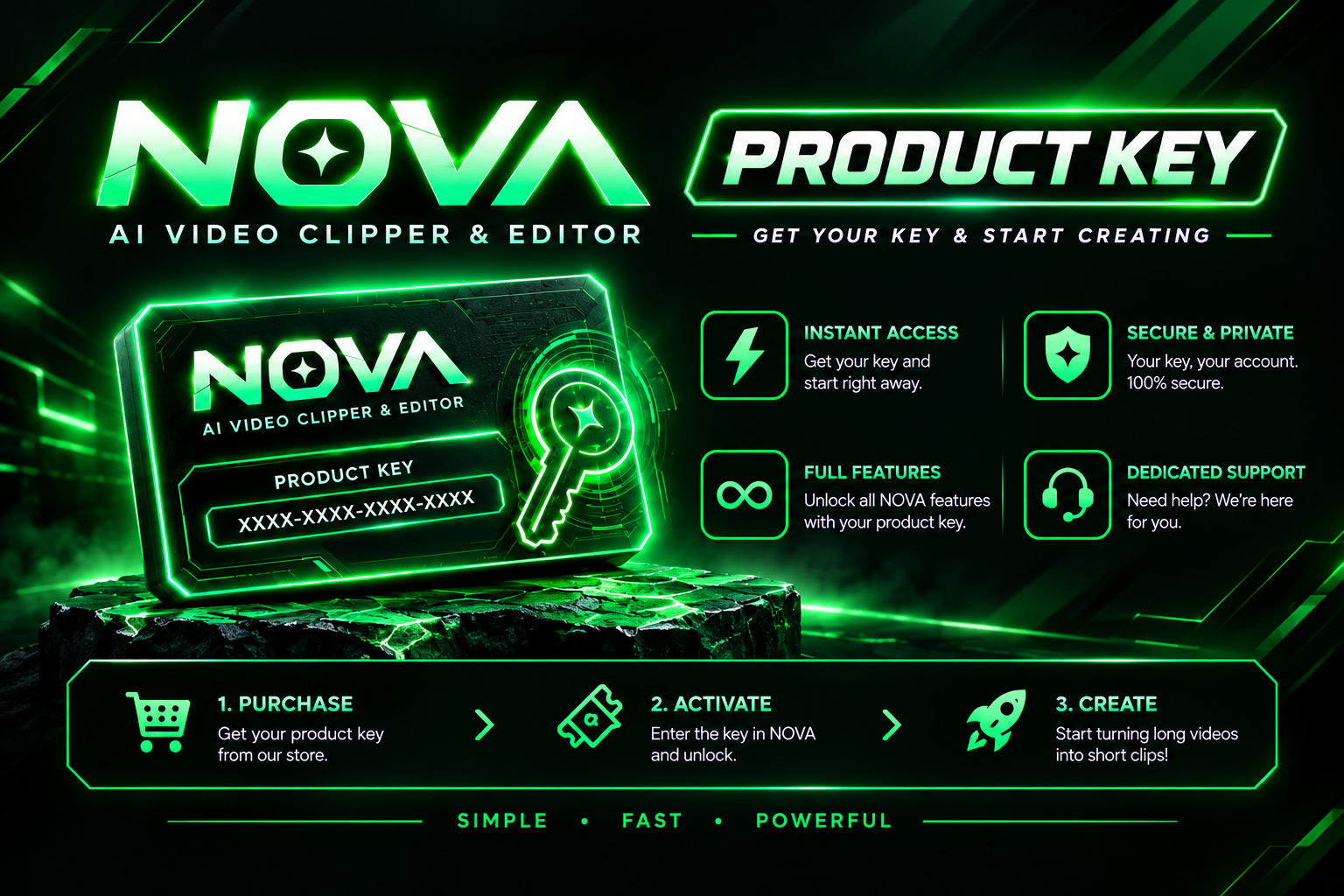
## 🔑 PRODUCT ACCESS KEY
Purchase a NOVA AI Android product key to activate your eligible mobile application access.
**How activation works:**
1. Purchase your NOVA AI Android access key.
2. Receive your product key through PrimeUnlock.
3. Download and install the official NOVA AI Android application when available.
4. Enter your key and activate your access.
5. Start creating and editing clips on your phone.
## 📱 MINIMUM REQUIREMENTS
- Device: Android smartphone
- RAM: Minimum 6GB
- Storage: Free space required for videos and processing
- Internet: Required for activation and supported online AI features
- Compatibility: Subject to Android version and device support
## ⚠️ IMPORTANT INFORMATION
**Android application status: Coming soon / testing.**
This listing is for the Android version of NOVA AI, not the Windows desktop edition.
The Android application must be publicly released and compatible with your device before the key can be used. Feature availability may vary by app version and device.
## 💚 WHY NOVA AI?
One mobile workflow for AI-assisted clipping, captions, editing, and video creation.
**NOVA AI — CLIP SMARTER. CREATE FASTER.**
**CREATE MORE. EDIT FASTER. CLIP SMARTER.**
Meet NOVA AI, your AI-powered mobile video clipping and editing tool, designed for creators, YouTubers, streamers, and social media editors.
Turn long videos into short-form content directly from your Android smartphone.
## 🔥 NOVA AI FEATURES
### 🎯 AI Auto Clipping
Find interesting moments in longer videos with AI assistance. Save time selecting moments and turn them into short clips.
### 💬 Automatic AI Captions
- Automatic speech transcription
- Word-synchronized captions
- Animated caption styles
- Custom fonts, colors, and positioning
- Captions designed for short-form videos
### 🎬 Professional Mobile Video Editor
- Trim and split videos
- Multi-track editing timeline
- Add text and overlays
- Add music and audio
- Adjust aspect ratios
- Preview and edit your clips
### 📱 AI Smart Reframe
Convert landscape videos into vertical clips using AI-assisted reframing, with manual adjustments when needed.
### ⚡ Video Export
Create videos for:
- Instagram Reels
- YouTube Shorts
- TikTok
- Facebook Reels
Export quality and available resolutions depend on device capabilities.
## 🔑 PRODUCT ACCESS KEY
Purchase a NOVA AI Android product key to activate your eligible mobile application access.
**How activation works:**
1. Purchase your NOVA AI Android access key.
2. Receive your product key through PrimeUnlock.
3. Download and install the official NOVA AI Android application when available.
4. Enter your key and activate your access.
5. Start creating and editing clips on your phone.
## 📱 MINIMUM REQUIREMENTS
- Device: Android smartphone
- RAM: Minimum 6GB
- Storage: Free space required for videos and processing
- Internet: Required for activation and supported online AI features
- Compatibility: Subject to Android version and device support
## ⚠️ IMPORTANT INFORMATION
**Android application status: Coming soon / testing.**
This listing is for the Android version of NOVA AI, not the Windows desktop edition.
The Android application must be publicly released and compatible with your device before the key can be used. Feature availability may vary by app version and device.
## 💚 WHY NOVA AI?
One mobile workflow for AI-assisted clipping, captions, editing, and video creation.
**NOVA AI — CLIP SMARTER. CREATE FASTER.**